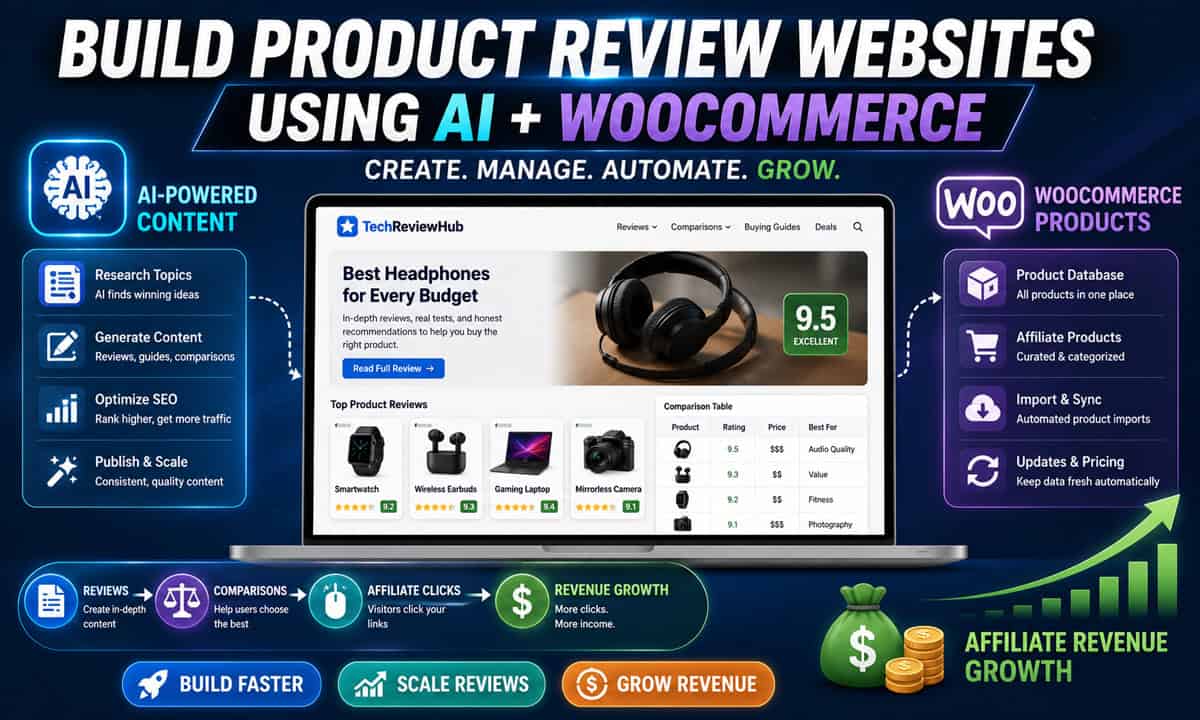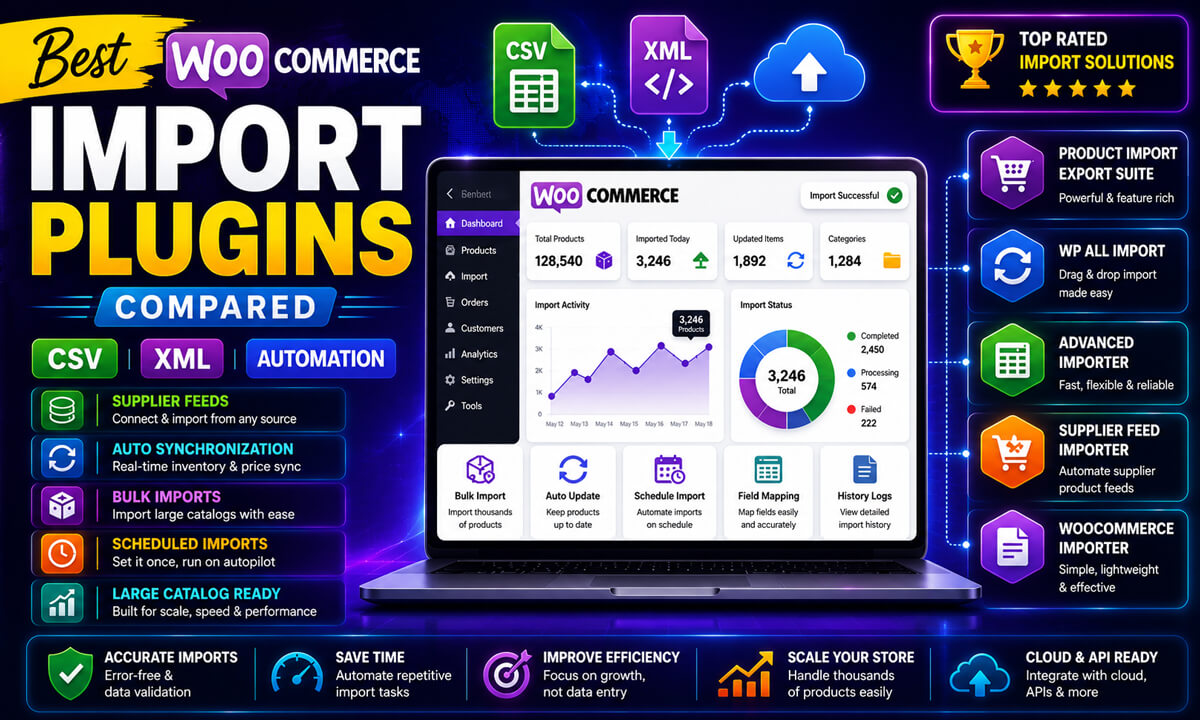
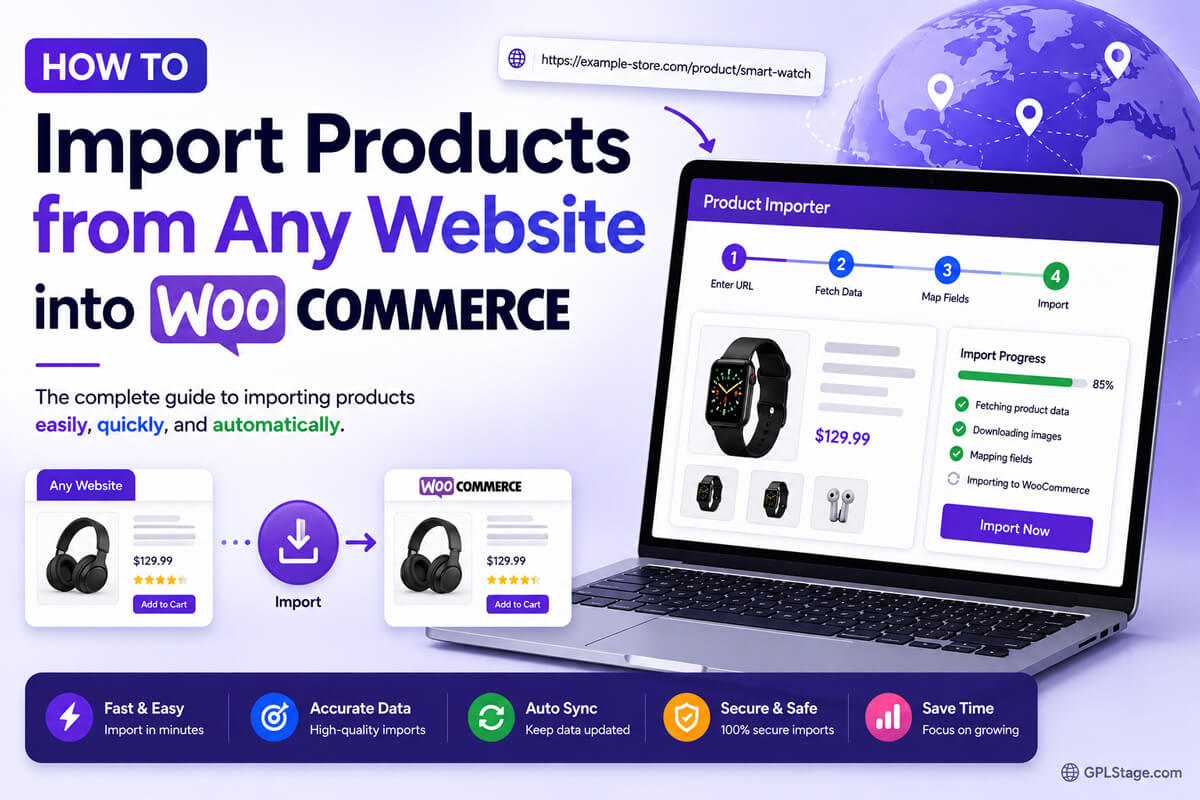
Importing products from external websites into WooCommerce can significantly reduce the time required to build an online store, affiliate website, dropshipping catalog, or product review platform. Instead of manually creating every product, many WooCommerce store owners now use product extraction tools, supplier feeds, APIs, and automation workflows to import product information directly from other websites.
This approach is especially useful for:
- Affiliate marketers
- Product review websites
- Dropshipping businesses
- Niche WooCommerce stores
- Large product catalogs
- Product comparison websites
Rather than manually copying product titles, descriptions, pricing, images, and specifications, WooCommerce import tools can help automate much of the process.
However, importing products from external websites is not always as simple as copying a product URL. Website compatibility, structured product data, product image access, supplier restrictions, and import methods all affect how successful an import workflow will be.
In this guide, you’ll learn how to import products from websites into WooCommerce, explore the available methods, understand compatibility limitations, and discover which workflows work best for different types of WooCommerce stores.
Can You Import Products from Any Website into WooCommerce?
In many cases, yes.
WooCommerce products can often be imported from external websites using:
- Product extraction tools
- XML feeds
- APIs
- Supplier integrations
- Affiliate import plugins
- Web scraping-compatible import systems
However, import success depends on several factors, including:
- Website structure
- Product data availability
- Publicly accessible content
- Structured data markup
- Import tool compatibility
- Product image accessibility
Some websites provide structured product information that is easy to import, while others restrict access or use layouts that are more difficult to process automatically.
Why WooCommerce Store Owners Import Products from Websites
Importing products directly from websites can simplify catalog creation and reduce repetitive manual work.
Common use cases include:
- Building affiliate product websites
- Creating product review websites
- Launching dropshipping stores
- Importing supplier catalogs
- Creating WooCommerce product databases
- Migrating products from another platform
- Building niche eCommerce stores
For many store owners, importing products directly from their source is significantly faster than manually creating products or maintaining large CSV files.
Common Methods for Importing Products from Websites into WooCommerce
Several workflows can be used depending on the product source and business model.
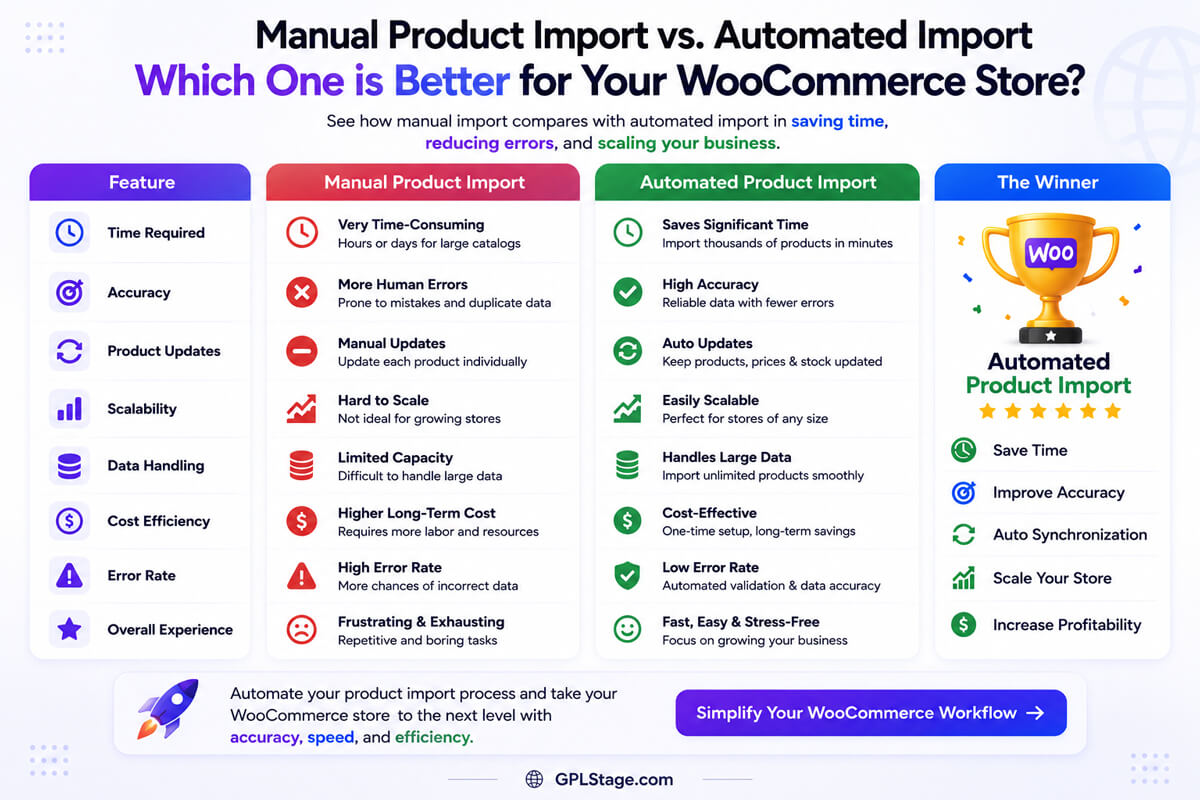
Method 1: Product Extraction Tools
Product extraction tools allow WooCommerce users to import available product information directly from supported websites.
Imported data may include:
- Product titles
- Product descriptions
- Product images
- Pricing
- Categories
- Specifications
- Product attributes
This method is commonly used by:
- Affiliate marketers
- Product review websites
- WooCommerce niche stores
- Content-focused eCommerce sites
Advantages
✔ Faster product imports
✔ Reduced manual product entry
✔ Product image importing
✔ Useful for affiliate workflows
Considerations
✔ Website compatibility varies
✔ Product structure differs between websites
✔ Some websites limit accessible product data
Method 2: XML Feed Imports
Many suppliers and marketplaces provide XML product feeds that can be imported into WooCommerce.
XML feeds often contain:
- Product data
- Inventory information
- Pricing
- Images
- Categories
- Product variations
Advantages
✔ Automated supplier updates
✔ Large catalog support
✔ Scheduled synchronization
Considerations
✔ XML mapping may require configuration
✔ Feed structures vary significantly
Method 3: API-Based Imports
Some suppliers, marketplaces, and eCommerce platforms provide APIs for automated product synchronization.
APIs can support:
- Product creation
- Price updates
- Inventory synchronization
- Product modifications
- Real-time automation
Advantages
✔ High automation potential
✔ Real-time synchronization
✔ Enterprise scalability
Considerations
✔ Technical setup required
✔ API access may require approval
✔ Development experience may be necessary
Method 4: Affiliate Product Imports
Affiliate marketers often import products directly from marketplaces and eCommerce stores.
This workflow can help import:
- Product information
- Affiliate links
- Product images
- Product descriptions
- Pricing
Advantages
✔ Faster affiliate content creation
✔ Easier product management
✔ Useful for review and comparison websites
| Method | Ease of Use | Automation | Technical Skill | Best For |
|---|---|---|---|---|
| Product Extraction Tools | Easy | Medium | Low | Affiliate Websites |
| XML Feeds | Medium | High | Medium | Supplier Catalogs |
| APIs | Advanced | Very High | High | Large WooCommerce Stores |
| Affiliate Imports | Easy | Medium | Low | Review Websites |
| Manual Imports | Low | Low | Low | Small Catalogs |
Step-by-Step: How to Import Products from a Website into WooCommerce
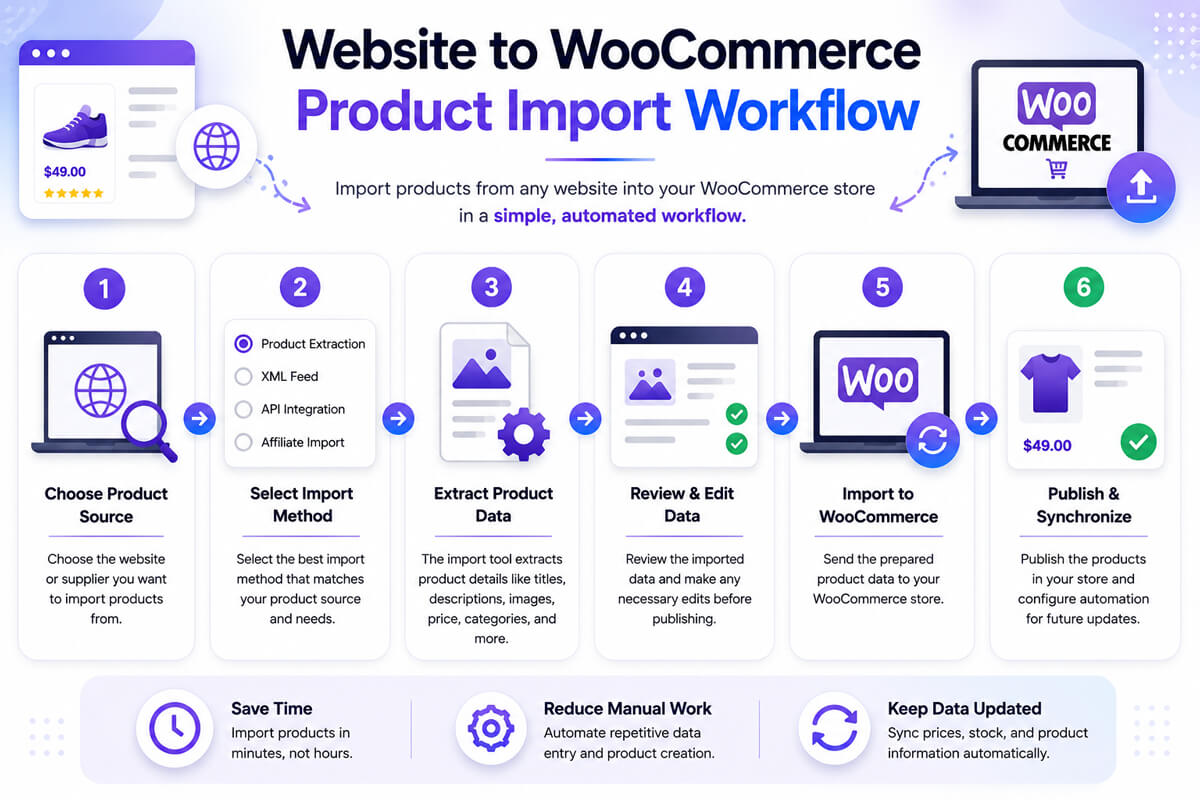
Step 1: Choose Your Product Source
Identify the website or supplier you want to import products from.
Examples may include:
- Supplier websites
- Affiliate marketplaces
- Manufacturer catalogs
- Shopify stores
- Product directories
- XML feed providers
Before importing products, verify whether the website structure is compatible with your chosen import solution.
Step 2: Select an Import Method
Choose the workflow that best matches your product source.
| Product Source | Recommended Method |
|---|---|
| Affiliate Website | Product Extraction Tool |
| Supplier Feed | XML Import |
| Enterprise Supplier | API Integration |
| Product Marketplace | Product Extraction Tool |
| Large Catalog | API or XML Feed |
Step 3: Install a WooCommerce Import Tool
Use a WooCommerce-compatible import plugin or automation tool that supports your chosen import method.
Depending on the workflow, this may include:
- Product extraction plugins
- XML import plugins
- API integrations
- Supplier automation tools
Step 4: Import Product Information
Import available product information including:
- Product title
- Description
- Images
- Pricing
- Categories
- Product attributes
- Inventory data
Typical Workflow
External Website
        ↓
Import Tool
        ↓
Extract Product Data
        ↓
Review Imported Information
        ↓
WooCommerce Product
        ↓
Publish
Step 5: Review Imported Products
Always review imported products before publishing.
Verify:
- Product titles
- Product images
- Categories
- Pricing
- Attributes
- Product descriptions
- Product variations
Some imported information may require manual editing.
Step 6: Configure Updates and Synchronization
If your workflow supports automation, configure:
- Scheduled imports
- Inventory updates
- Price synchronization
- Product refresh intervals
Automation requirements vary between import methods.
Which Websites Are Easier to Import from?
Websites that expose structured product data are generally easier to import from.
Examples include websites using:
- Schema.org product markup
- JSON-LD product data
- Structured product specifications
- Public product image URLs
Many modern eCommerce websites already use structured data for SEO purposes, which can sometimes improve compatibility with WooCommerce import tools.
Real-World Examples
Affiliate Product Website
An affiliate website may import product information from supported eCommerce stores to create product reviews, buying guides, and comparison pages more efficiently.
Dropshipping Store
A dropshipping business may use supplier XML feeds or API integrations to automate product imports and inventory updates.
Product Review Website
A review website may use product extraction workflows to quickly build product databases and comparison articles.
Large WooCommerce Catalog
A store managing thousands of products may rely on APIs and automated synchronization to reduce catalog maintenance requirements.
External Importer Pro: Import Products from Supported Websites into WooCommerce
External Importer Pro is one example of a WooCommerce-compatible product extraction solution designed to help users import available product information from supported websites.
Potential use cases include:
- Affiliate websites
- Product review sites
- Niche WooCommerce stores
- Product comparison websites
- Content-focused WooCommerce projects
Potential Benefits
✔ Import products from supported websites
✔ Product image importing
✔ WooCommerce integration
✔ AI-assisted content workflows
✔ Faster product sourcing
✔ Reduced manual data entry
Important Considerations
Import success depends on:
- Website compatibility
- Product structure
- Publicly available data
- Website restrictions
- Plugin configuration
Testing imports using a small sample before processing large catalogs is strongly recommended.
Common Problems When Importing Products from Websites
Missing Product Images
Some websites restrict direct image access.
Solution
Verify image accessibility and test imports before processing large catalogs.
Incorrect Product Data
Not all websites expose product information consistently.
Solution
Review imported products manually before publishing.
Import Failures
Import failures may occur because of:
- Unsupported website structures
- Missing product data
- Configuration issues
- Server restrictions
Solution
Run small test imports before scaling.
Slow Product Imports
Large product catalogs may require additional server resources.
Solution
Use batch imports and optimize WooCommerce hosting performance.
Best Practices for Website-to-WooCommerce Imports
✔ Test imports using small product samples
✔ Verify imported images
✔ Check pricing accuracy
✔ Review product attributes
✔ Optimize WooCommerce performance
✔ Monitor synchronization settings
✔ Maintain backups before large imports
✔ Review AI-generated content manually
✔ Avoid relying entirely on automation
Frequently Asked Questions
Can WooCommerce import products from any website?
WooCommerce can import products from many websites using compatible import tools, APIs, XML feeds, and product extraction workflows. However, compatibility varies depending on the source website structure and available product data.
Can I import products from Shopify into WooCommerce?
In many cases, yes. Product import success depends on the structure of the Shopify store and the import method used.
What is the easiest way to import products into WooCommerce?
For many affiliate websites and niche stores, product extraction tools provide one of the simplest workflows because they reduce manual product entry.
Can I automate WooCommerce product imports?
Yes. APIs, XML feeds, supplier integrations, and specialized WooCommerce import plugins can automate product imports and updates.
Do imported products update automatically?
Some workflows support automatic synchronization, while others may require manual updates or scheduled re-imports.
Are product extraction tools legal to use?
Website terms of service vary significantly. Always verify that your import workflow complies with the terms, permissions, and usage policies of the source website before importing or republishing product information.
Experience-Based Recommendation
In my experience working with WooCommerce product catalogs, the most effective website-to-WooCommerce import workflows are the ones that balance automation with quality control.
Automated imports can dramatically reduce manual work, but successful WooCommerce stores still review imported products carefully to ensure product accuracy, image quality, category organization, and user experience remain consistent.
Before scaling any import workflow, always test imports using a small product sample and verify that the imported information meets your quality standards.
Conclusion
Importing products from external websites into WooCommerce can significantly reduce manual product management and accelerate catalog creation for affiliate websites, dropshipping stores, product review websites, and large WooCommerce catalogs.
The best import method depends on your product source, automation requirements, technical experience, and business model. Product extraction tools, XML feeds, APIs, and supplier integrations all provide different advantages depending on the workflow you need.
By understanding the available import methods, testing compatibility carefully, and following WooCommerce import best practices, you can build a more efficient product management workflow while reducing repetitive manual tasks and scaling your WooCommerce store more effectively.