How to Build an Affiliate Website with WooCommerce
Author: Michael Carter — Senior WooCommerce Developer & eCommerce Solutions Specialist
Introduction
Affiliate websites remain one of the most popular ways to monetize content online. Instead of managing inventory, shipping products, or handling customer fulfillment, affiliate marketers earn commissions by recommending products and directing visitors to external sellers.
While many affiliate websites use traditional blogging platforms, WooCommerce has become an increasingly powerful option for building scalable affiliate product websites, comparison stores, niche product catalogs, and automated affiliate workflows.
WooCommerce provides significantly more flexibility than many standard affiliate website builders because it allows you to combine:
- Affiliate products
- Product imports
- Product filtering
- Comparison functionality
- SEO-focused content
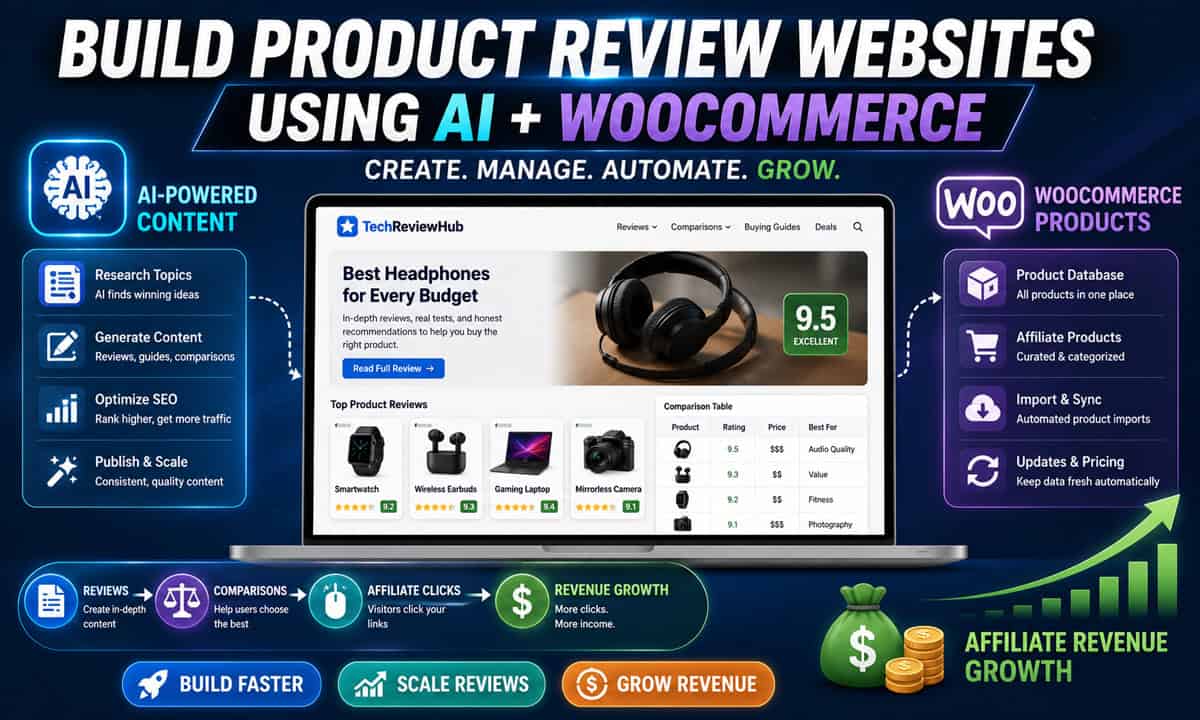
- Product review workflows
- Automation systems
- Advanced product organization
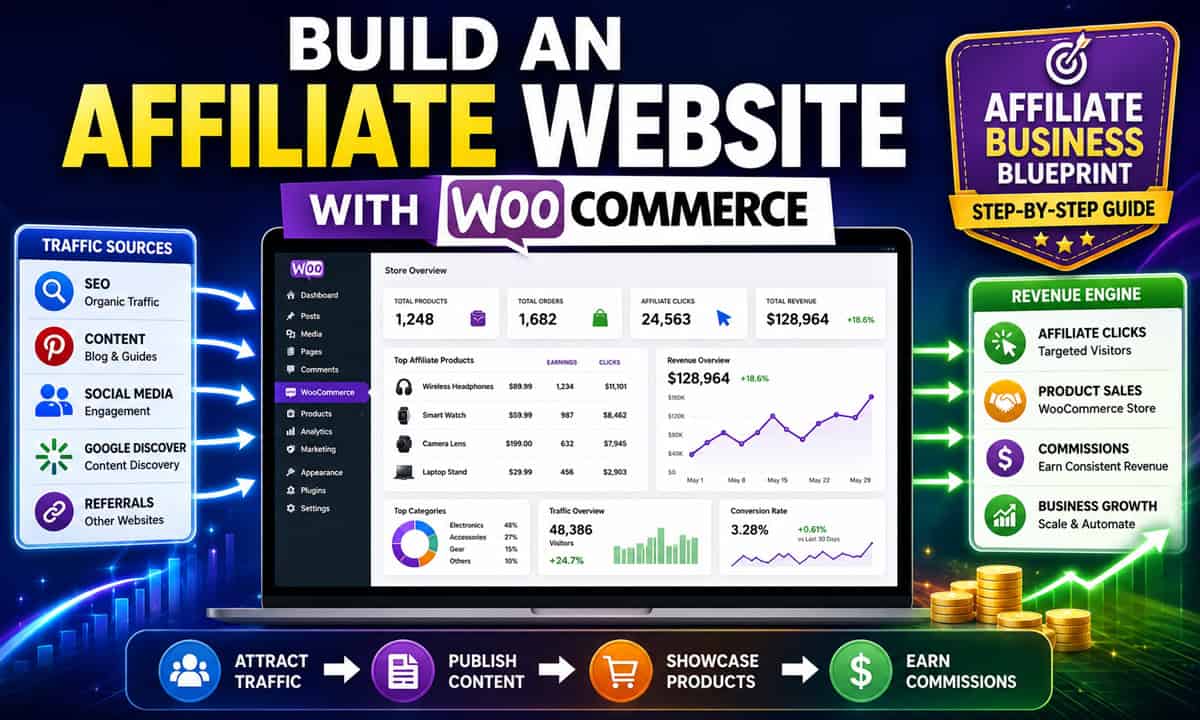
In this guide, you’ll learn how to build an affiliate website with WooCommerce, choose the right setup, structure your product workflows, and create a scalable affiliate system that can grow over time.
What Is a WooCommerce Affiliate Website?
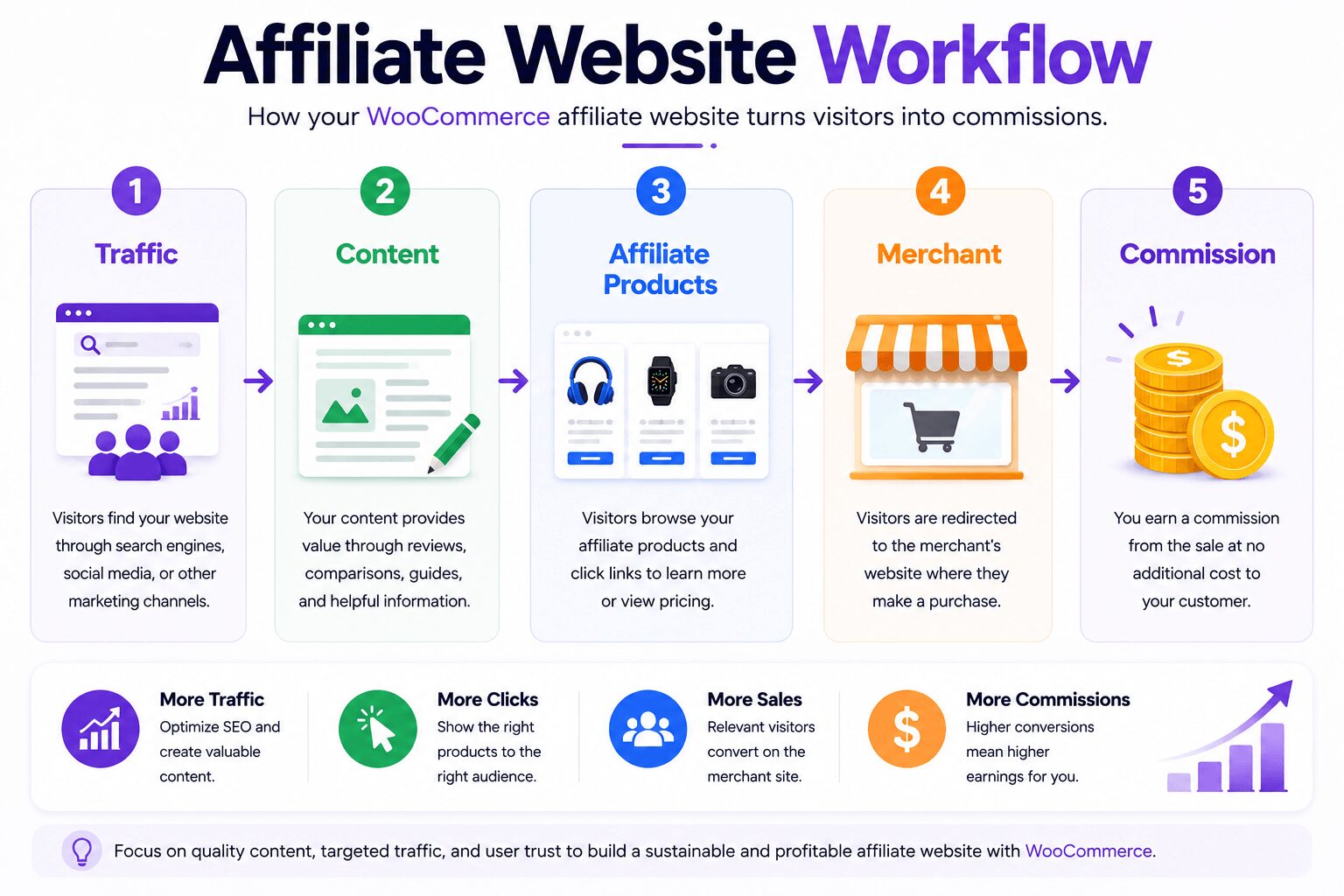
A WooCommerce affiliate website is a WordPress website that uses WooCommerce to display affiliate products instead of selling physical inventory directly.
Instead of processing orders yourself, visitors are redirected to external merchants using affiliate links.
Affiliate WooCommerce websites are commonly used for:
- Product review websites
- Niche affiliate stores
- Product comparison websites
- Buying guide websites
- Deal aggregation websites
- Dropshipping hybrid stores
- Large affiliate product catalogs
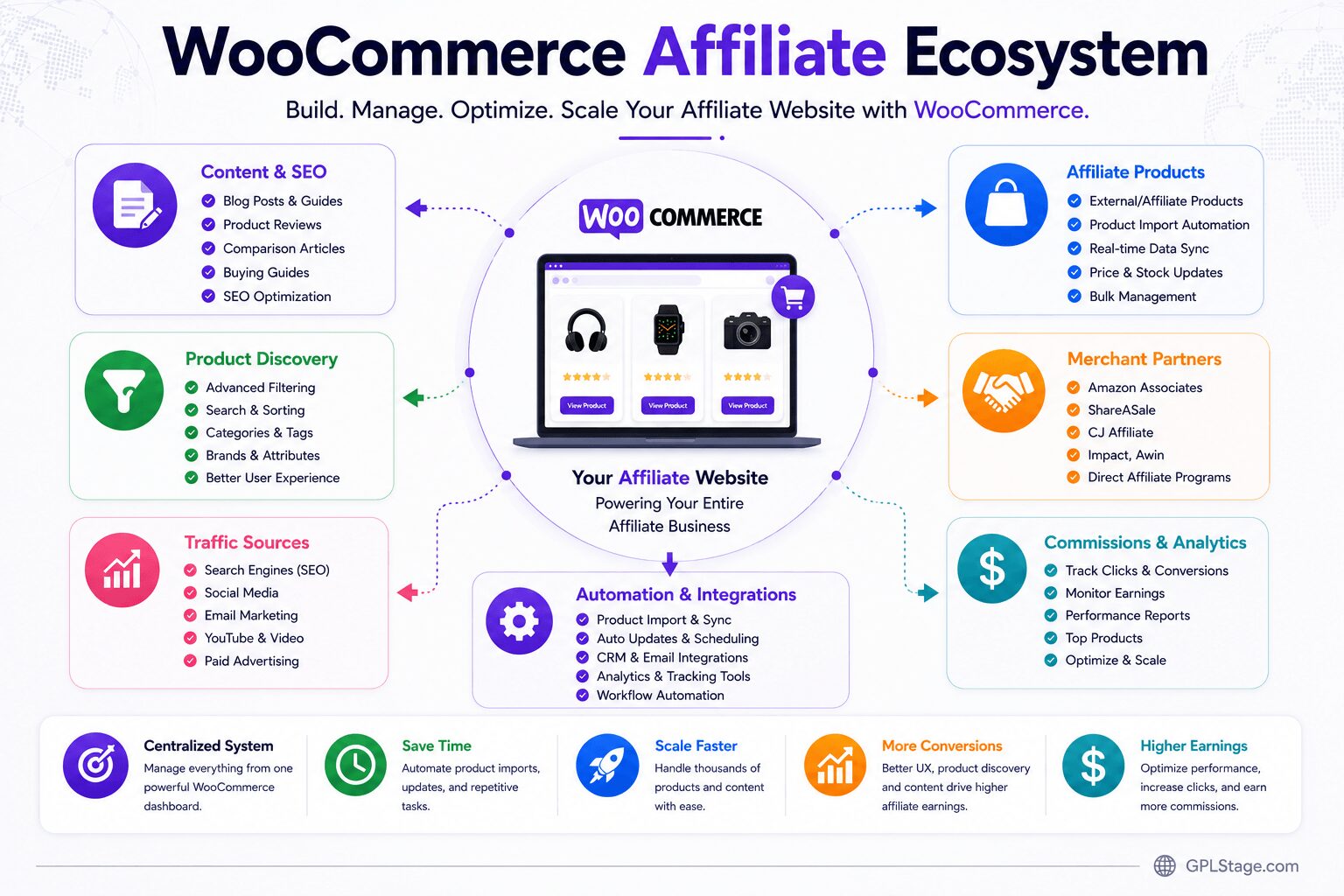
WooCommerce gives affiliate marketers more control over product presentation, filtering, SEO, and automation compared to many standard affiliate platforms.
Why Use WooCommerce for Affiliate Marketing?
Many affiliate marketers initially use simple blogs or page builders. However, WooCommerce offers several advantages when managing larger affiliate product catalogs.
Key Advantages
✔ Advanced product management
✔ Better product filtering
✔ Product categories and attributes
✔ Scalable catalog structure
✔ SEO-friendly architecture
✔ Better comparison workflows
✔ Product import automation
✔ Easier product organization
✔ WooCommerce ecosystem flexibility
For affiliate marketers managing hundreds or thousands of products, WooCommerce often becomes significantly easier to scale than manually managing affiliate content inside regular blog posts.
Types of Affiliate Websites You Can Build with WooCommerce
WooCommerce supports several affiliate business models.
Product Review Websites
These websites focus on reviewing products and recommending affiliate offers.
Examples:
- Tech products
- WordPress plugins
- Hosting services
- Fitness equipment
- Software tools
Product Comparison Websites
WooCommerce product attributes and filtering systems make it easier to build comparison-focused affiliate websites.
Examples:
- “Best laptops under $1000”
- Hosting comparison websites
- WooCommerce plugin comparison sites
- Electronics comparison stores
Niche Affiliate Stores
These websites focus on a single niche or product category.
Examples:
- Coffee equipment
- Camping gear
- Gaming accessories
- Smart home devices
Large Affiliate Catalog Websites
Some affiliate websites import large product databases from suppliers, marketplaces, or affiliate networks.
These websites often use:
- Product import plugins
- XML feeds
- APIs
- Product extraction tools
- Automated synchronization systems
| Website Type | Difficulty | Scalability | Best For |
|---|---|---|---|
| Product Review Site | Easy | Medium | Beginners |
| Comparison Website | Medium | High | SEO Content Sites |
| Niche Affiliate Store | Medium | High | Long-Term Brands |
| Large Product Catalog | Advanced | Very High | Automation Workflows |
Step-by-Step: How to Build an Affiliate Website with WooCommerce
Step 1: Choose Your Affiliate Niche
Start by selecting a niche with:
- Strong product demand
- Search traffic potential
- Monetization opportunities
- Reasonable competition
- Evergreen product categories
Good Affiliate Website Niches
| Niche | Monetization Potential |
|---|---|
| Technology | High |
| WordPress Plugins | High |
| Home Office | Medium-High |
| Fitness Equipment | High |
| Gaming Accessories | High |
| Kitchen Products | Medium |
| Outdoor Gear | Medium-High |
Avoid building a general “everything store.” Niche-focused affiliate websites are usually easier to rank and scale.
Step 2: Set Up WordPress and WooCommerce
Install:
- WordPress
- WooCommerce
- A fast WooCommerce-compatible theme
Recommended Priorities
✔ Fast performance
✔ Mobile responsiveness
✔ Product filtering support
✔ SEO-friendly structure
✔ Good category navigation
Performance matters significantly for affiliate websites because large product catalogs can quickly slow down poorly optimized hosting environments.
Step 3: Configure Affiliate Products in WooCommerce
WooCommerce supports external/affiliate products natively.
When creating affiliate products, you can:
- Add external product URLs
- Replace Add to Cart buttons
- Redirect visitors to affiliate merchants
- Customize CTA text
Example Affiliate CTA Buttons
- View Product
- Check Latest Price
- Buy on Amazon
- Visit Official Website
Step 4: Organize Your Product Structure
Proper structure becomes critical as affiliate catalogs grow.
Use:
- Categories
- Tags
- Product attributes
- Filters
- Brands
- Comparison systems
Example Structure
Electronics
 ├── Headphones
 ├── Smartwatches
 ├── Keyboards
 └── Gaming Accessories
Good product organization improves:
✔ SEO
✔ UX
✔ filtering
✔ scalability
✔ internal linking
Step 5: Create SEO-Focused Affiliate Content
Affiliate websites should not rely only on product pages.
Build supporting content such as:
- Buying guides
- Product comparisons
- Tutorials
- Product reviews
- “Best of” articles
- Troubleshooting content
High-Value Affiliate Content Examples
- Best Wireless Headphones for Gaming
- WooCommerce Plugin Comparison Guide
- Best Budget Mechanical Keyboards
- How to Choose a Managed WordPress Host
Content helps drive organic traffic into affiliate product pages.
Step 6: Add Product Filtering and Search
As product catalogs grow, filtering becomes essential.
WooCommerce supports:
- Price filtering
- Category filtering
- Attribute filtering
- Brand filtering
- Product search
This improves:
✔ user experience
✔ product discovery
✔ conversion potential
Step 7: Import Affiliate Products Efficiently
Manually creating hundreds of affiliate products can become extremely time-consuming.
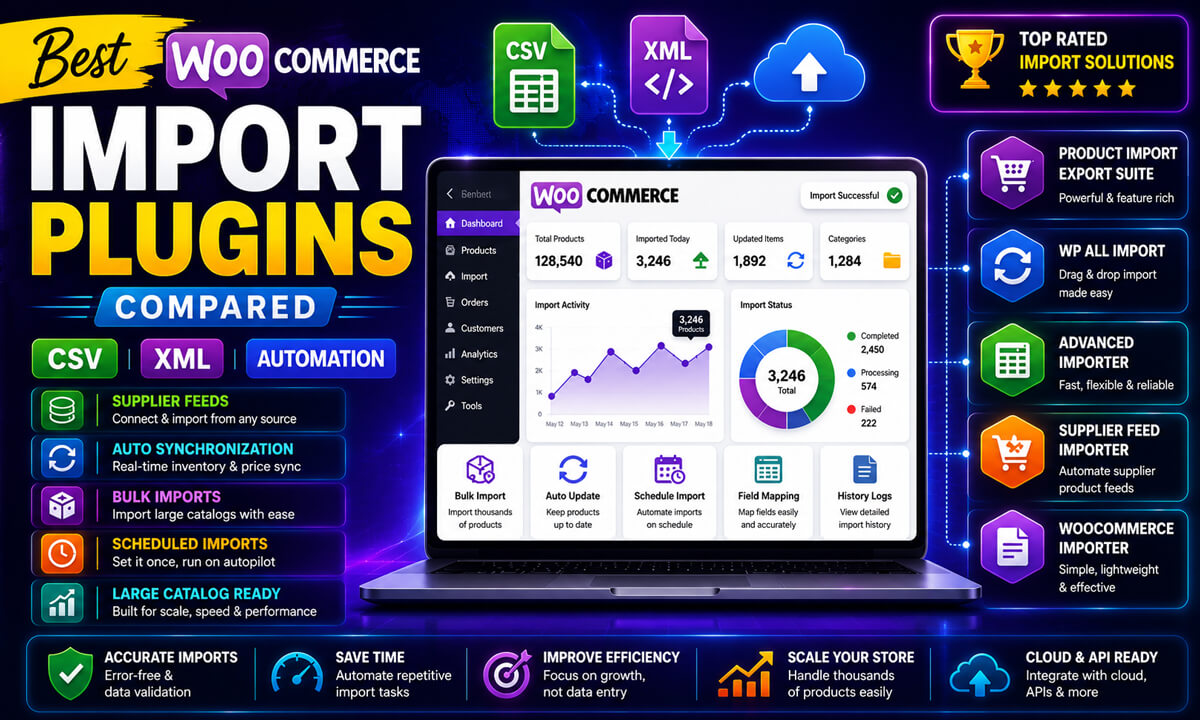
Many WooCommerce affiliate websites now use:
- Product extraction tools
- XML imports
- APIs
- Supplier feeds
- Automated product synchronization
This workflow can dramatically reduce repetitive manual product entry.
Using External Importer Pro for WooCommerce Affiliate Websites
External Importer Pro is one example of a WooCommerce-compatible product import solution that can help affiliate marketers import available product information from supported websites into WooCommerce.
Potential use cases include:
- Affiliate product imports
- Product comparison websites
- Review websites
- Niche WooCommerce catalogs
- Automated affiliate workflows
Potential Benefits
✔ Faster affiliate product creation
✔ Reduced manual product entry
✔ Product image importing
✔ WooCommerce integration
✔ Automation-friendly workflows
✔ Product catalog scalability
Important Considerations
Import success depends on:
- Website compatibility
- Product structure
- Available product data
- Source website restrictions
Testing imports before scaling large affiliate catalogs is strongly recommended.
Step 8: Optimize for SEO
SEO is one of the biggest traffic sources for affiliate websites.
Focus on:
✔ Search intent
✔ Product-focused keywords
✔ Internal linking
✔ Product schema
✔ Fast page speed
✔ Helpful content
✔ Mobile UX
✔ EEAT optimization
Avoid thin affiliate pages that contain little original value.
Step 9: Build Internal Linking Systems
Large affiliate websites require strong internal linking.
Connect:
- Product pages
- Buying guides
- Comparison articles
- Tutorials
- Review content
Example
Best Gaming Keyboards
↓
Individual Keyboard Reviews
↓
Affiliate Product Pages
Strong internal linking improves:
✔ SEO
✔ crawlability
✔ engagement
✔ topical authority
Step 10: Automate Product Updates
Affiliate websites often struggle with:
- outdated pricing
- broken product data
- old product images
- discontinued products
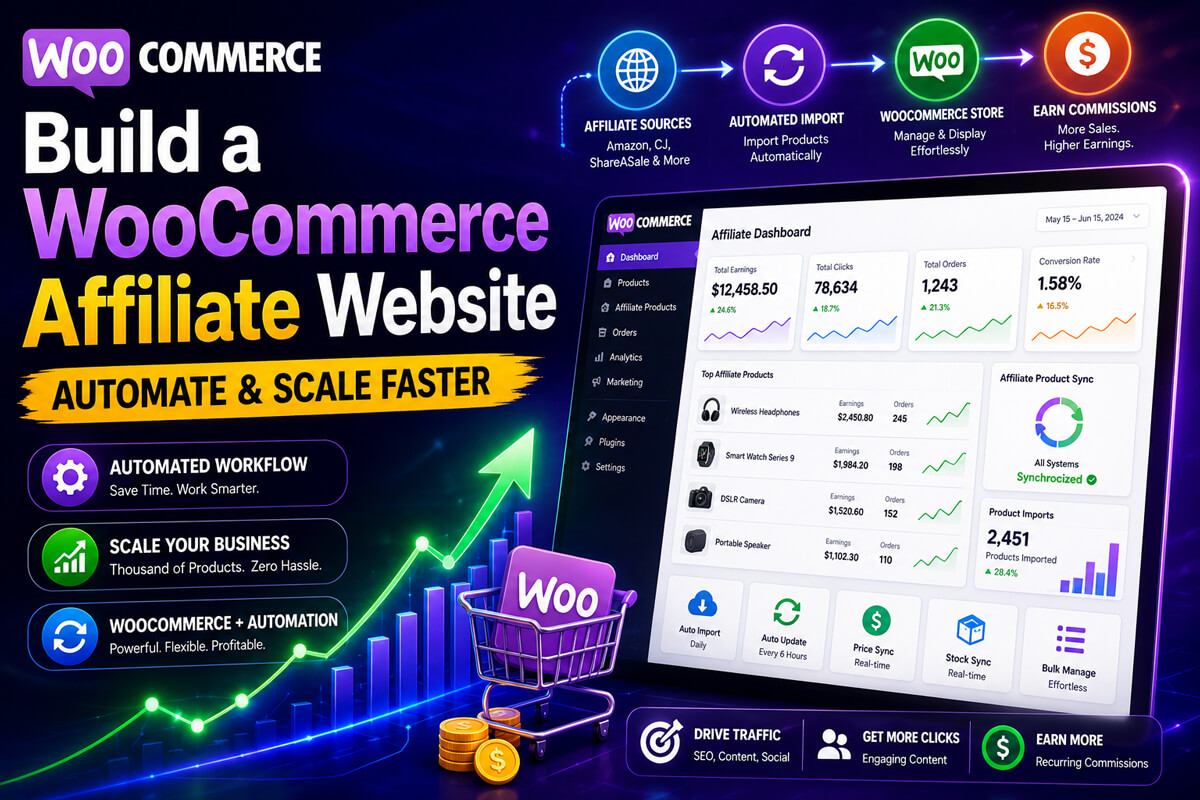
Automation workflows can help reduce maintenance work.
Potential workflows include:
- Scheduled imports
- XML synchronization
- API updates
- Product refresh systems
Recommended WooCommerce Plugins for Affiliate Websites
Depending on your workflow, useful plugin categories may include:
- Affiliate product plugins
- Product filtering plugins
- Comparison table plugins
- Import/export plugins
- SEO plugins
- Performance optimization plugins
Choose plugins carefully to avoid bloated WooCommerce setups.
Common Problems Affiliate WooCommerce Websites Face
Slow WooCommerce Performance
Large product catalogs may create performance issues.
Solution
Use optimized hosting, caching, and efficient WooCommerce themes.
Thin Affiliate Content
Many affiliate websites fail because product pages contain very little useful information.
Solution
Add:
- product comparisons
- tutorials
- real-world use cases
- educational content
- original reviews
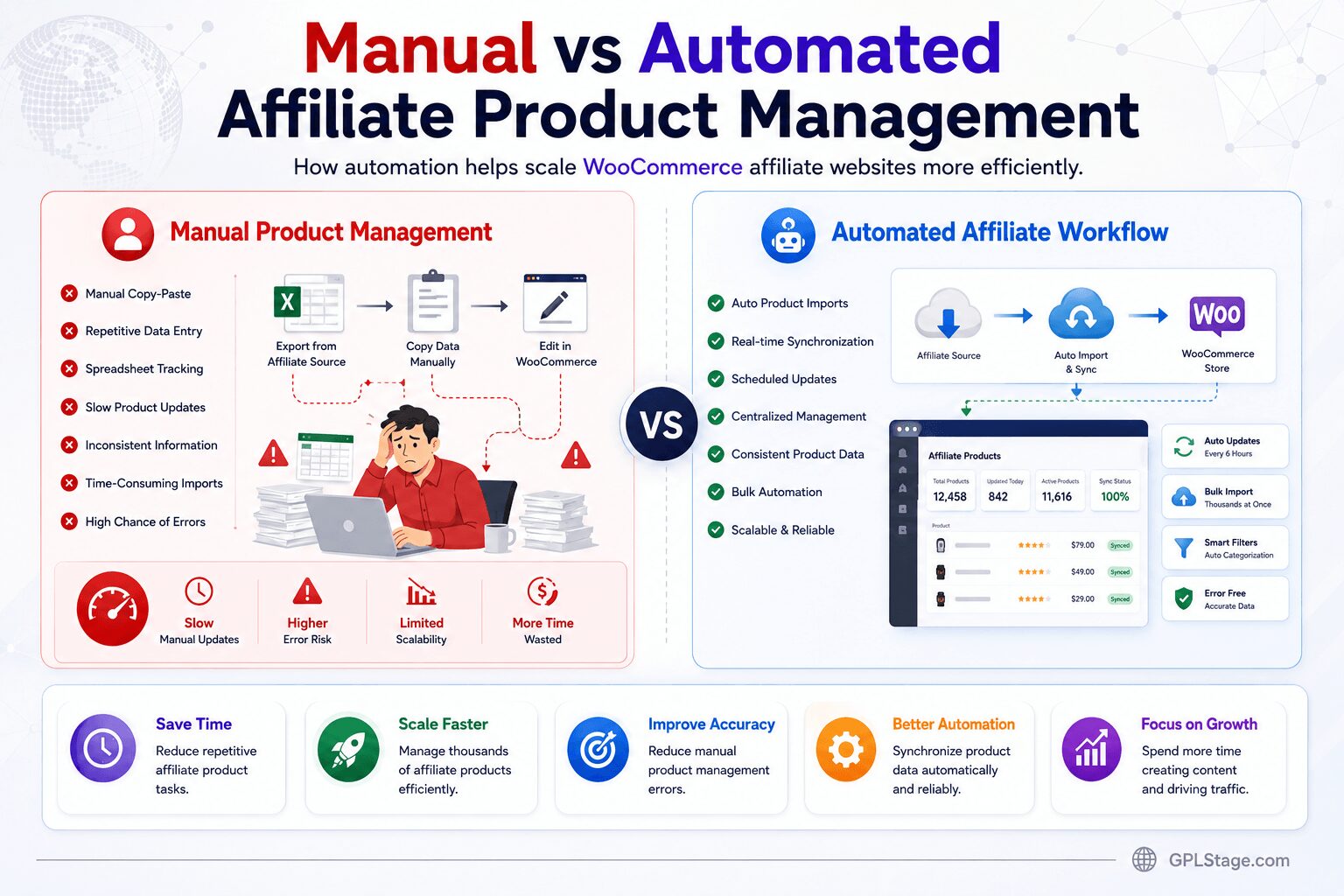
Difficult Product Management
Manually updating products becomes difficult at scale.
Solution
Use automation and import workflows where appropriate.
SEO Competition
Affiliate niches can become highly competitive.
Solution
Focus on:
- niche authority
- content quality
- helpful UX
- internal linking
- long-tail keywords
Best Practices for WooCommerce Affiliate Websites
✔ Focus on one niche initially
✔ Build content clusters
✔ Optimize for mobile users
✔ Use high-quality product images
✔ Improve category organization
✔ Avoid excessive plugins
✔ Create helpful content
✔ Test affiliate workflows carefully
✔ Maintain accurate product information
✔ Prioritize trust and user value
Frequently Asked Questions
Can WooCommerce be used for affiliate marketing?
Yes. WooCommerce supports external/affiliate products and can be used to build affiliate product stores, comparison websites, review sites, and niche affiliate catalogs.
Is WooCommerce good for affiliate websites?
WooCommerce can work extremely well for affiliate websites, especially for larger catalogs that require product filtering, organization, and automation.
How do affiliate products work in WooCommerce?
WooCommerce affiliate products redirect visitors to external merchants using affiliate links instead of processing purchases directly on your website.
Can I import affiliate products into WooCommerce?
Yes. Affiliate products can often be imported using XML feeds, APIs, product extraction tools, and WooCommerce import plugins.
What is the best niche for affiliate marketing?
The best niche depends on demand, competition, monetization potential, and your long-term content strategy. Niche-focused websites are often easier to grow than broad general stores.
Experience-Based Recommendation
In my experience working with WooCommerce product systems, the affiliate websites that scale successfully are usually the ones that combine:
✔ structured product organization
✔ strong SEO content
✔ automation workflows
✔ internal linking
✔ helpful user experience
rather than relying purely on affiliate links alone.
WooCommerce becomes especially powerful when affiliate marketers move beyond basic blogging and start building scalable product ecosystems with filters, comparisons, buying guides, and automated product workflows.
Conclusion
WooCommerce provides a powerful foundation for building affiliate websites, especially for marketers managing larger product catalogs, comparison systems, buying guides, and automated product workflows.
By combining WooCommerce with SEO-focused content, organized product structures, automation systems, and affiliate product imports, you can create a scalable affiliate website that grows more efficiently over time.
Whether you’re building a niche product review site, a comparison platform, or a large affiliate catalog, WooCommerce offers the flexibility and scalability needed to build a long-term affiliate marketing business.