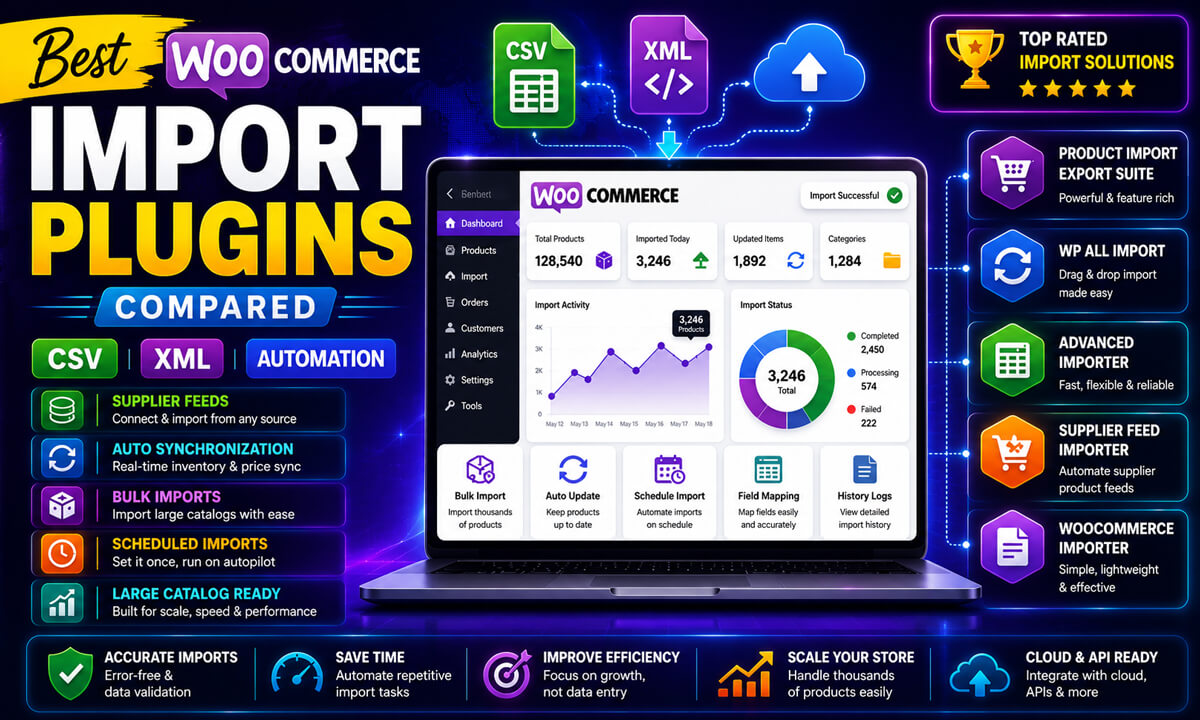
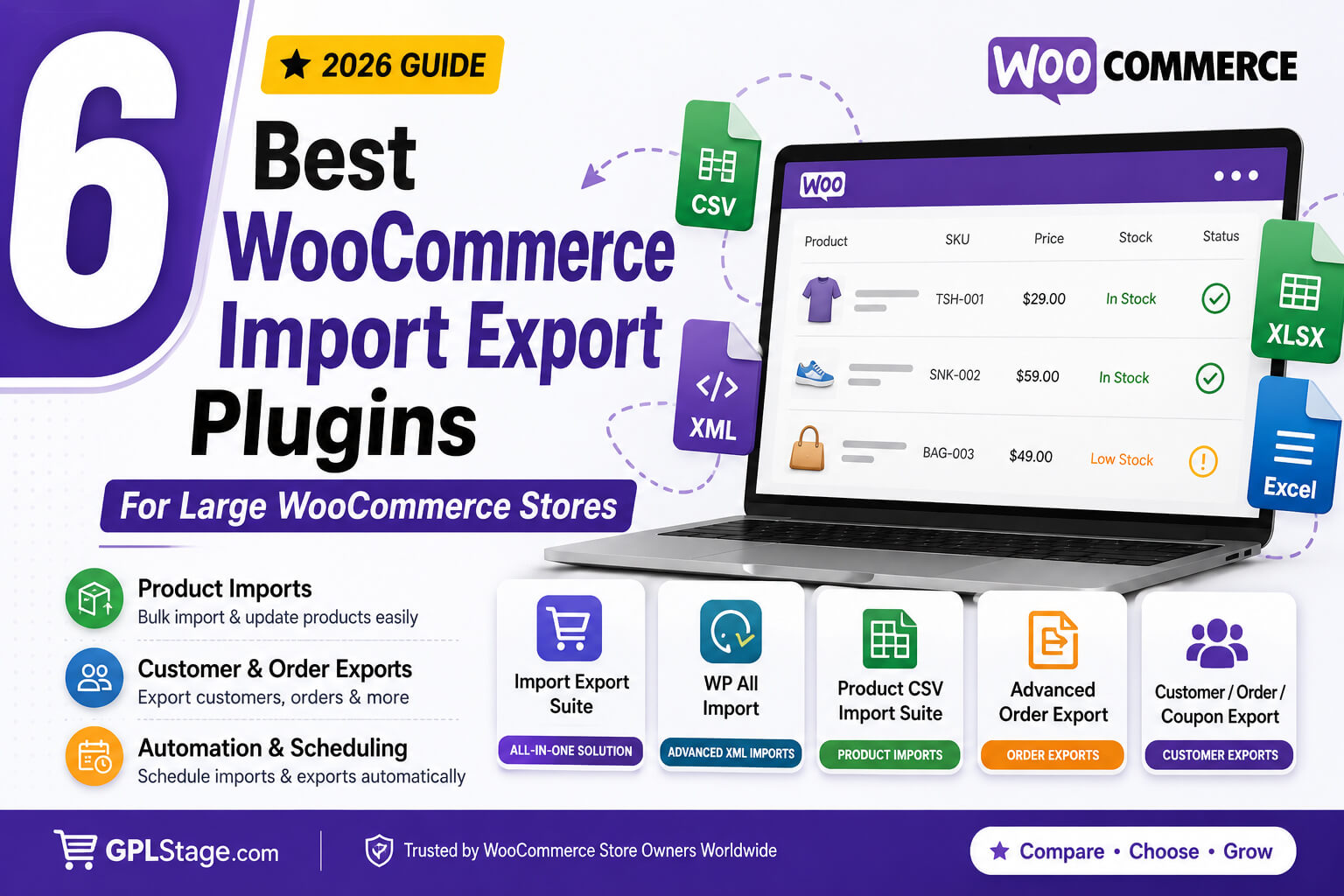
Managing a WooCommerce store with a few hundred products is relatively straightforward. Managing a store with thousands of SKUs, multiple suppliers, subscription products, customer databases, recurring inventory updates, and cross-store migrations is a completely different challenge.
As WooCommerce businesses scale, data management quickly becomes one of the most important operational processes. Store owners often need to import supplier catalogs, export customer information for marketing campaigns, synchronize inventory across multiple systems, migrate products between stores, generate accounting reports, or update thousands of products in bulk.
While WooCommerce includes basic import and export functionality, growing stores frequently require more advanced workflows such as scheduled imports, XML processing, bulk updates, customer exports, order synchronization, and automated inventory management.
This is where dedicated WooCommerce import export plugins become essential.
The challenge, however, is choosing the right plugin for your specific workflow. Some solutions focus heavily on product imports. Others specialize in order exports, customer management, automation, or advanced XML handling.
In this guide, we’ll review six popular WooCommerce import export plugins and evaluate them based on practical use cases rather than marketing claims.
You’ll learn:
- Which plugin is easiest for beginners
- Which plugin works best for automation
- Which solution handles subscriptions most effectively
- Which plugin is most suitable for large stores
- How to choose the right tool for your workflow
Whether you’re managing a supplier-driven WooCommerce store, a subscription business, a wholesale catalog, or a multi-store operation, this comparison will help you make a more informed decision.
| Plugin | Best For | Automation | XML Support | Difficulty |
|---|---|---|---|---|
| Import Export Suite | Complete WooCommerce management | ✔ | ✔ | Easy |
| WP All Import | Advanced XML workflows | ✔ | ✔ | Advanced |
| Product CSV Import Suite | Product catalogs | Limited | ✖ | Easy |
| Advanced Order Export | Order reporting | ✔ | ✔ | Easy |
| Woo Import Export | Store migrations | ✔ | ✔ | Medium |
| Customer / Order / Coupon Export | Customer exports | ✔ | ✖ | Easy |
Editorial Note: Every WooCommerce store has different requirements. The plugins below were selected based on common use cases such as product imports, customer exports, inventory synchronization, store migrations, recurring automation, and large-scale WooCommerce data management. No single plugin is objectively best for every situation; the ideal choice depends on your workflow and business needs.
Why Large WooCommerce Stores Need Import Export Plugins
As WooCommerce stores grow, manual data management becomes increasingly inefficient.
Common challenges include:
- Importing supplier product feeds
- Updating inventory daily
- Exporting orders for accounting systems
- Managing customer databases
- Migrating products between websites
- Synchronizing multiple WooCommerce stores
- Bulk editing prices and attributes
- Maintaining subscription product data
Without a dedicated import/export solution, these tasks often require repetitive manual work that increases the likelihood of mistakes.
For example, imagine a store importing inventory updates from three suppliers every day. Manually updating thousands of stock levels and prices would be impractical. A dedicated import plugin can automate this process and reduce hours of administrative work.
Similarly, agencies managing WooCommerce projects frequently need repeatable workflows for migrations, backups, and catalog synchronization. Import/export plugins help standardize those processes and improve consistency across client websites.
The right plugin can help:
✔ Reduce manual data entry
✔ Improve data accuracy
✔ Automate recurring workflows
✔ Simplify WooCommerce migrations
✔ Manage large catalogs more efficiently
✔ Scale operations without increasing workload
How We Evaluated These Plugins
Rather than focusing solely on feature lists, this comparison considers how each plugin performs in real-world WooCommerce environments.
The plugins included in this comparison were evaluated based on WooCommerce compatibility, supported data types, automation features, file-format flexibility, scalability for large catalogs, ease of use, and overall suitability for real-world WooCommerce workflows.
The evaluation criteria include:
WooCommerce Data Support
Can the plugin handle:
- Products
- Orders
- Customers
- Coupons
- Reviews
- Subscriptions
- Custom fields
Automation Capabilities
We examined support for:
- Scheduled imports
- Scheduled exports
- FTP/SFTP workflows
- Recurring synchronization
Ease of Use
How quickly can store owners perform common tasks such as:
- Product imports
- Customer exports
- Inventory updates
- Store migrations
Scalability
Can the plugin support:
- Large product catalogs
- Supplier feeds
- Multi-store operations
- High-volume WooCommerce environments
Flexibility
How well does the plugin handle:
- XML imports
- Custom fields
- Complex data structures
- Third-party integrations
With those criteria in mind, let’s examine the plugins.
1. Import Export Suite for WooCommerce — All-in-One WooCommerce Import Export & Migration Plugin
Our Pick for Most Complete WooCommerce Data Management Solution
For WooCommerce businesses seeking a centralized solution for importing, exporting, migrating, and synchronizing store data, Import Export Suite for WooCommerce offers one of the most comprehensive WooCommerce-focused feature sets available today.
Rather than focusing on a single workflow, the plugin is designed to support multiple WooCommerce data types from a unified interface.
Key Features
✔ Import and export products
✔ Manage orders and customer data
✔ Support subscriptions, coupons, and reviews
✔ Import and export product images
✔ CSV, XML, TSV, XLS, and XLSX support
✔ Scheduled imports and exports
✔ FTP and SFTP integration
✔ Advanced export filtering
✔ Bulk update capabilities
✔ Reusable import/export templates
✔ Third-party metadata compatibility
Best For
- Large WooCommerce stores
- Supplier-driven businesses
- Wholesale operations
- Inventory synchronization
- WooCommerce migrations
- Agencies managing client stores
- Subscription-based businesses
Strengths
One of the plugin’s biggest advantages is its WooCommerce-first approach.
Store owners can manage:
- Products
- Orders
- Customers
- Coupons
- Reviews
- Subscriptions
without relying on multiple separate plugins.
The built-in automation features are particularly useful for businesses handling recurring supplier updates and inventory synchronization.
Potential Considerations
Stores requiring extremely customized XML processing or highly specialized import logic may still prefer a more developer-oriented solution such as WP All Import.
For most WooCommerce-focused workflows, however, Import Export Suite provides a strong balance between flexibility and ease of use.
2. WP All Import
Best for Advanced XML Imports and Developer Workflows
WP All Import is one of the most well-known import solutions in the WordPress ecosystem and has earned a strong reputation among developers, agencies, and advanced WooCommerce users.
The plugin’s primary strength lies in its flexible drag-and-drop mapping system and ability to work with complex data structures.
Key Features
✔ Advanced XML imports
✔ CSV imports
✔ Visual drag-and-drop mapping
✔ Custom field support
✔ Custom post type compatibility
✔ Conditional import logic
✔ WooCommerce integration
✔ Flexible data transformation options
Best For
- Developers
- Custom XML workflows
- ERP integrations
- Complex supplier feeds
- Enterprise data imports
- Advanced custom field management
Strengths
WP All Import excels when data structures become complicated.
Businesses working with:
- Custom XML feeds
- ERP exports
- Inventory management systems
- Proprietary databases
often appreciate the plugin’s flexibility.
Its mapping interface allows users to connect source data to WooCommerce fields with a high degree of customization.
Potential Considerations
While powerful, the flexibility comes with a learning curve.
Users unfamiliar with:
- Field mapping
- Import logic
- XML structures
- Conditional rules
may require additional time to become comfortable with the workflow.
Some WooCommerce-specific functionality may also require additional extensions depending on project requirements.
3. Product CSV Import Suite for WooCommerce
Best for Product Catalog Imports
Product CSV Import Suite extends WooCommerce’s native CSV import functionality and focuses specifically on product-related workflows.
For stores primarily concerned with product management, it can provide a practical upgrade over WooCommerce’s default importer.
Key Features
✔ Product imports and exports
✔ Product variation support
✔ Custom field imports
✔ Product category management
✔ Inventory updates
✔ CSV workflow optimization
Best For
- Product migrations
- Catalog updates
- Inventory management
- Product maintenance
- Bulk product editing
Strengths
The plugin focuses on the area many WooCommerce stores care about most: products.
Store owners can manage:
- Product information
- Pricing
- Inventory
- Categories
- Variations
through familiar CSV workflows.
For businesses maintaining large product catalogs, this can considerably simplify day-to-day management.
Potential Considerations
The plugin is primarily product-focused.
Stores needing comprehensive management of:
- Customers
- Orders
- Subscriptions
- Reviews
may require additional tools alongside it.
4. Advanced Order Export for WooCommerce
Best for WooCommerce Order Reporting and Data Exports
Not every store needs advanced product import capabilities.
Many businesses primarily need a reliable way to export WooCommerce order data for reporting, accounting, analytics, or integration purposes.
Advanced Order Export for WooCommerce focuses specifically on that workflow.
Key Features
✔ Export WooCommerce orders to Excel
✔ CSV exports
✔ XML exports
✔ Advanced filtering options
✔ Scheduled exports
✔ Custom field support
✔ Flexible report generation
Best For
- Accounting exports
- Financial reporting
- Business intelligence workflows
- ERP integrations
- Order analysis
- Data exports for external systems
Strengths
The plugin provides strong control over order export data.
Users can generate exports based on:
- Order status
- Date ranges
- Customer information
- Product details
- Custom fields
This makes it particularly useful for businesses that regularly transfer WooCommerce data into accounting or reporting platforms.
Potential Considerations
The plugin is primarily export-focused and does not aim to replace full WooCommerce migration or product import solutions.
For businesses requiring comprehensive import/export workflows, a broader WooCommerce data management solution may be more appropriate.
5. Woo Import Export
Best for Multi-Purpose WooCommerce Data Transfers
Woo Import Export is a long-standing WooCommerce import/export solution designed to handle multiple types of WooCommerce data from a single interface.
For store owners who frequently migrate data, synchronize inventory, or move information between WooCommerce installations, it offers a broad set of import and export capabilities.
Key Features
✔ Product imports and exports
✔ Order management exports
✔ Customer data support
✔ Category imports and exports
✔ Taxonomy management
✔ CSV and XML compatibility
✔ Bulk data transfers
✔ Scheduled import and export options
Best For
- WooCommerce migrations
- Inventory synchronization
- Product catalog transfers
- Store cloning projects
- Routine data management
Strengths
One of Woo Import Export’s advantages is its ability to handle multiple WooCommerce data entities from a single interface.
Depending on the version and configuration being used, store owners may be able to manage:
- Products
- Customers
- Orders
- Categories
- Product attributes
through centralized import and export workflows.
This can simplify migration and maintenance tasks for businesses managing multiple WooCommerce data types.
Potential Considerations
Feature depth may vary depending on the specific workflow.
Businesses requiring advanced automation, subscription management, or highly customized import logic should carefully evaluate whether the available functionality matches their operational requirements.
6. Customer / Order / Coupon Export for WooCommerce
Best for Customer and Coupon Data Exports
Customer information and coupon performance data often play a critical role in marketing, retention, and reporting workflows.
Customer / Order / Coupon Export for WooCommerce focuses specifically on exporting customer, order, and coupon data efficiently.
Key Features
✔ Customer exports
✔ Coupon exports
✔ Order exports
✔ Scheduled export support
✔ CSV compatibility
✔ Advanced filtering
✔ Customer segmentation workflows
Best For
- Email marketing campaigns
- Customer database management
- Loyalty programs
- Coupon performance analysis
- CRM integrations
- Business reporting
Strengths
The plugin simplifies workflows that require regular access to customer and order information.
For example:
- Exporting customers for email campaigns
- Analyzing coupon usage
- Creating customer reports
- Integrating WooCommerce data with external platforms
These workflows can be completed quickly using structured export files.
Potential Considerations
The plugin focuses primarily on exports rather than complete WooCommerce import and migration workflows.
Businesses needing advanced product imports, inventory synchronization, or supplier feed automation will likely require additional tools.
| Plugin | Products | Orders | Customers | Automation | XML |
|---|---|---|---|---|---|
| Import Export Suite | ✔ | ✔ | ✔ | ✔ | ✔ |
| WP All Import | ✔ | Limited* | Limited* | ✔ | ✔ |
| Product CSV Import Suite | ✔ | ✖ | ✖ | Limited | ✖ |
| Advanced Order Export | ✖ | ✔ | Partial | ✔ | ✔ |
| Woo Import Export | ✔ | ✔ | ✔ | ✔ | ✔ |
| Customer / Order / Coupon Export | ✖ | ✔ | ✔ | ✔ | ✖ |
Need product imports, customer exports, order management, automation, and WooCommerce migration tools in one plugin?
Import Export Suite for WooCommerce combines all major WooCommerce import/export workflows into a single interface.
Best WooCommerce Import Export Plugin for Beginners
For beginners, ease of use often matters more than advanced customization.
A powerful plugin is only valuable if store owners can use it efficiently without spending hours learning complex workflows.
Recommended Choice
Import Export Suite for WooCommerce
Reasons include:
✔ WooCommerce-focused interface
✔ Guided import and export workflows
✔ Support for multiple data types
✔ Simplified automation setup
✔ Minimal technical configuration
Store owners can quickly perform common tasks such as:
- Product imports
- Customer exports
- Inventory updates
- Order exports
without extensive training.
Alternative Choice
Product CSV Import Suite can also be approachable for users whose primary focus is product management.
However, businesses requiring broader WooCommerce data management often benefit from the wider functionality available in Import Export Suite.
Best Plugin for WooCommerce Automation Workflows
Automation becomes increasingly important as stores scale.
Manual imports and exports consume valuable time and increase the risk of operational mistakes.
Recommended Choice
Import Export Suite for WooCommerce
For WooCommerce-focused automation, Import Export Suite provides an accessible workflow with built-in scheduling and FTP/SFTP support.
Key automation capabilities include:
✔ Scheduled imports
✔ Scheduled exports
✔ FTP integration
✔ SFTP integration
✔ Reusable templates
✔ Supplier feed synchronization
These features are particularly useful for businesses receiving recurring supplier inventory files.
Runner-Up
WP All Import also offers powerful automation capabilities and remains an excellent option for advanced users managing complex data feeds.
The difference is often workflow preference rather than automation capability.
Best Import Export Plugin for Subscription-Based WooCommerce Stores
Subscription-based WooCommerce businesses often need to move or synchronize more than standard product data.
Common scenarios include:
- Migrating subscription products between stores
- Exporting subscription-related customer records
- Backing up recurring revenue data
- Synchronizing customer and order information
- Maintaining subscription workflows during site migrations
Recommended Choice
Import Export Suite for WooCommerce
For stores that need to import, export, migrate, or manage subscription-related WooCommerce data, Import Export Suite provides one of the most complete WooCommerce-focused workflows available.
The plugin supports multiple WooCommerce data types from a centralized interface, helping businesses manage:
- Subscription products
- Customers
- Orders
- Coupons
- Product data
within a single import/export workflow.
This makes it particularly useful for:
- Membership websites
- Subscription stores
- Digital product businesses
- Recurring revenue models
Store owners planning migrations, backups, or recurring synchronization tasks can benefit from having subscription-related data managed alongside other core WooCommerce entities.
Best Plugin for Large WooCommerce Stores Managing Diverse Data Types
Large WooCommerce stores often face challenges beyond simple product imports.
Common requirements include:
- Supplier synchronization
- Customer exports
- Inventory automation
- Subscription management
- Multi-store migrations
- Large-scale updates
Recommended Choice
Import Export Suite for WooCommerce
For businesses managing diverse WooCommerce data types, Import Export Suite offers one of the most complete WooCommerce-focused feature sets available.
Its support for:
- Products
- Orders
- Customers
- Coupons
- Reviews
- Subscriptions
- Automation workflows
makes it a practical solution for large-scale operations.
Alternative Choice
WP All Import remains an excellent option for organizations requiring advanced customization and highly specialized XML workflows.
Ultimately, hosting quality, database optimization, server resources, and workflow design also play a major role in large-store performance.
How to Choose the Right WooCommerce Import Export Plugin
The best plugin depends entirely on your business requirements.
If You Primarily Manage Products
Consider:
- Product CSV Import Suite
- Import Export Suite
- WP All Import
Recommended for WooCommerce Automation Workflows
Want an easier way to achieve this? You can use Import Export Suite for WooCommerce to simplify the process and build professional results faster. Learn more here: https://gplstage.com/webtoffee-import-export-suite-for-woocommerce/
If You Need Customer Exports
Consider:
- Customer / Order / Coupon Export
- Import Export Suite
If You Need Order Reporting
Consider:
- Advanced Order Export for WooCommerce
- Import Export Suite
If You Need Supplier Feed Automation
Consider:
- Import Export Suite
- WP All Import
If You Need Complex XML Processing
Consider:
- WP All Import
If You Need a Comprehensive WooCommerce Data Management Solution
Import Export Suite offers one of the most complete WooCommerce-focused solutions for managing products, customers, orders, subscriptions, exports, imports, and automation from a centralized workflow.
Common WooCommerce Import Export Mistakes
Even experienced store owners occasionally encounter issues during imports and exports.
Avoiding these common mistakes can improve reliability and reduce downtime.
If you’re already experiencing failed imports, see our guide:
WooCommerce Import Failed? Common Import Errors and How to Fix Them
Importing Without Testing
Always test imports using a staging environment before modifying a live store.
Duplicate SKU Errors
Duplicate SKUs can overwrite existing products and create inventory inconsistencies.
Always verify SKU uniqueness before importing.
Incorrect Field Mapping
Mapping errors frequently cause:
- Missing descriptions
- Incorrect prices
- Broken attributes
- Category assignment issues
Validate mappings carefully before processing large imports.
Ignoring Image Optimization
Oversized images increase import times and consume unnecessary server resources.
Optimize images before importing whenever possible.
Failing to Create Backups
Before running major imports:
✔ Backup your database
✔ Backup uploaded files
✔ Document import settings
Backups provide an important recovery path if unexpected issues occur.
Best Practices for WooCommerce Data Management
Maintain Consistent Product Data
Standardize:
- Product names
- Categories
- Attributes
- SKU structures
- Metadata conventions
Consistency improves long-term manageability.
Use Automation Strategically
Recurring imports can:
- Reduce manual work
- Improve inventory accuracy
- Improve operational efficiency
Automation is particularly valuable for supplier-driven stores.
Monitor Supplier Data Quality
Validate supplier feeds regularly to identify:
- Missing images
- Incorrect pricing
- Duplicate products
- Formatting issues
Process Large Imports in Batches
Breaking large imports into smaller jobs can reduce:
- Server timeouts
- Memory issues
- Failed import jobs
Optimize Hosting Infrastructure
Large WooCommerce stores benefit from:
- Higher memory limits
- Faster databases
- Reliable hosting environments
- Optimized caching configurations
Frequently Asked Questions
What is the best WooCommerce import export plugin?
There is no single best plugin for every WooCommerce store. Businesses focused on centralized WooCommerce data management often prefer Import Export Suite, while developers handling advanced XML imports frequently choose WP All Import. The right choice depends on your catalog size, automation requirements, and technical workflow.
Can I export WooCommerce orders to Excel?
Yes. Plugins such as Advanced Order Export for WooCommerce and Import Export Suite support exporting WooCommerce orders to Excel-compatible formats.
How do I export WooCommerce customers and orders?
Dedicated export plugins can generate customer and order exports in CSV, XML, and spreadsheet-compatible formats for reporting, migration, or marketing workflows.
Do I need a plugin to export WooCommerce orders?
WooCommerce offers limited native export functionality. Dedicated plugins provide more advanced filtering, automation, formatting, and reporting features.
Which plugin is best for WooCommerce migrations?
Import Export Suite, WP All Import, and Woo Import Export are all commonly used for WooCommerce migration projects, depending on the complexity of the workflow.
Can WooCommerce import XML files?
Yes. Several WooCommerce import plugins support XML imports, including WP All Import and Import Export Suite for WooCommerce. XML support is particularly useful when importing supplier feeds, ERP exports, and complex product catalogs.
How do I migrate WooCommerce products to another website?
WooCommerce products can be migrated by exporting product data from the source store and importing it into the destination store using a compatible import/export plugin. Many migration plugins also support product images, categories, attributes, and custom fields.
What is the best plugin for supplier feed automation?
Import Export Suite and WP All Import both support automation workflows. The better choice depends on whether you prioritize WooCommerce-focused simplicity or advanced customization.
Continue Learning About WooCommerce Imports
To strengthen your WooCommerce data management skills, explore these related guides:
- How to Import Thousands of WooCommerce Products Using CSV, XML & Excel Files
- Import Export Suite vs WP All Import: Which WooCommerce Import Plugin Is Better?
Together, these articles create a complete learning path for WooCommerce imports, migrations, automation, and inventory management.
This comparison is based on publicly available plugin documentation, WooCommerce compatibility information, feature analysis, and common real-world WooCommerce use cases. Plugin capabilities may evolve over time, so always verify current functionality before implementing large-scale import, export, or migration workflows.
Conclusion
Choosing the right WooCommerce import export plugin can dramatically improve how efficiently your store handles products, customers, orders, subscriptions, and supplier data.
Each plugin covered in this guide serves a different audience and workflow:
- WP All Import excels at advanced XML processing and developer-focused customization.
- Product CSV Import Suite focuses on product catalog management.
- Advanced Order Export specializes in reporting and order exports.
- Customer / Order / Coupon Export streamlines customer and marketing workflows.
- Woo Import Export provides broad WooCommerce migration and transfer capabilities.
For businesses seeking a centralized WooCommerce data management solution, Import Export Suite for WooCommerce offers one of the most comprehensive WooCommerce-focused feature sets available. Its combination of product imports, customer exports, order management, subscription support, automation tools, and multi-format compatibility makes it a strong choice for many growing WooCommerce stores.
As always, the best plugin depends on your specific requirements, technical expertise, and long-term operational goals.
For most WooCommerce store owners, the ideal plugin depends on the balance between simplicity, automation, and flexibility. Businesses managing products, customers, orders, subscriptions, and recurring supplier updates often benefit from a centralized WooCommerce-focused solution, while advanced users working with highly customized XML feeds may prioritize deeper import customization capabilities.
Ready to Streamline WooCommerce Data Management?
If you want to build a professional website more efficiently, Import Export Suite for WooCommerce can help streamline the entire process. Check out the full product details here: https://gplstage.com/webtoffee-import-export-suite-for-woocommerce/